Menu
The Menu in ZEUS offers centralized access to all essential app features, settings, and utilities.
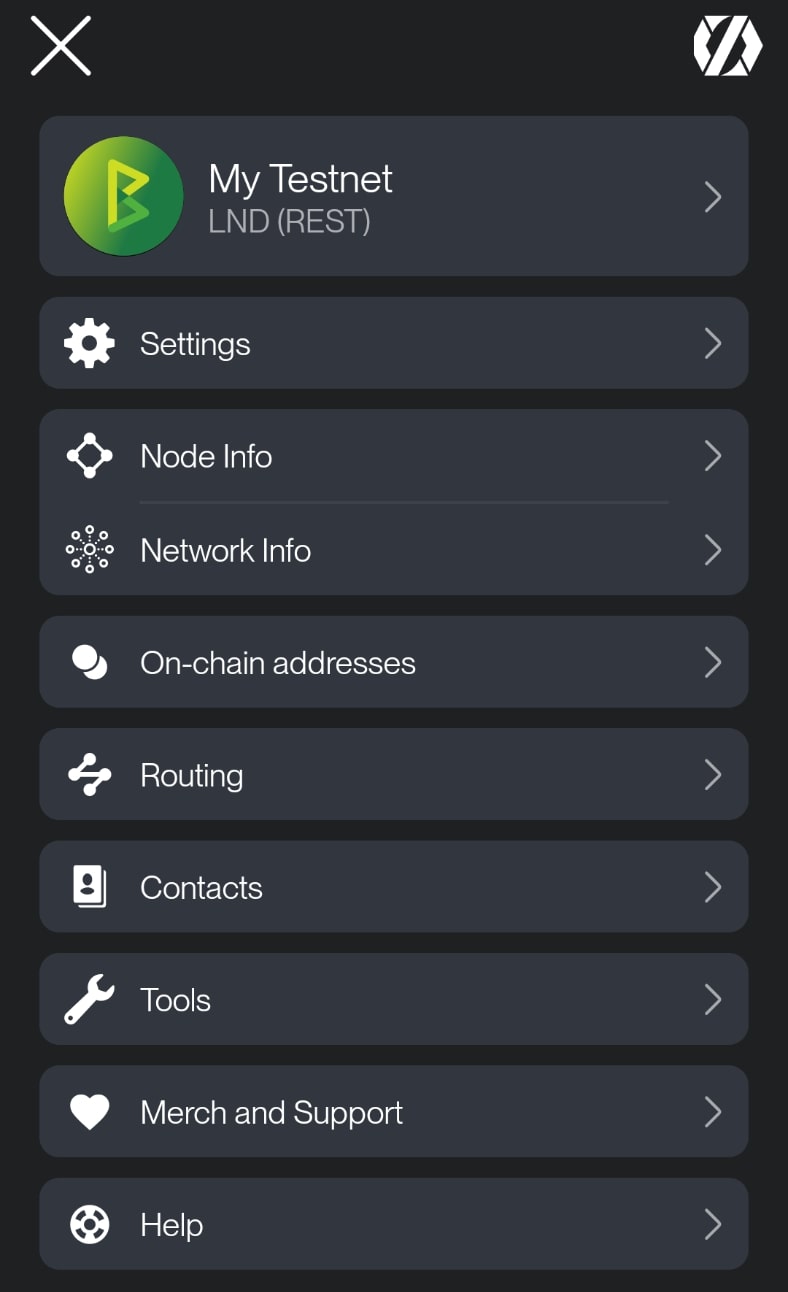
Settings
Access the full list of ZEUS preferences. From here, you can configure your wallet behavior, visual appearance, language, currency, and security options.
Wallets
Manage all wallet connections. You can add new ones or switch between existing wallets. Each wallet is independent and configurable. For more, see the Wallets section.
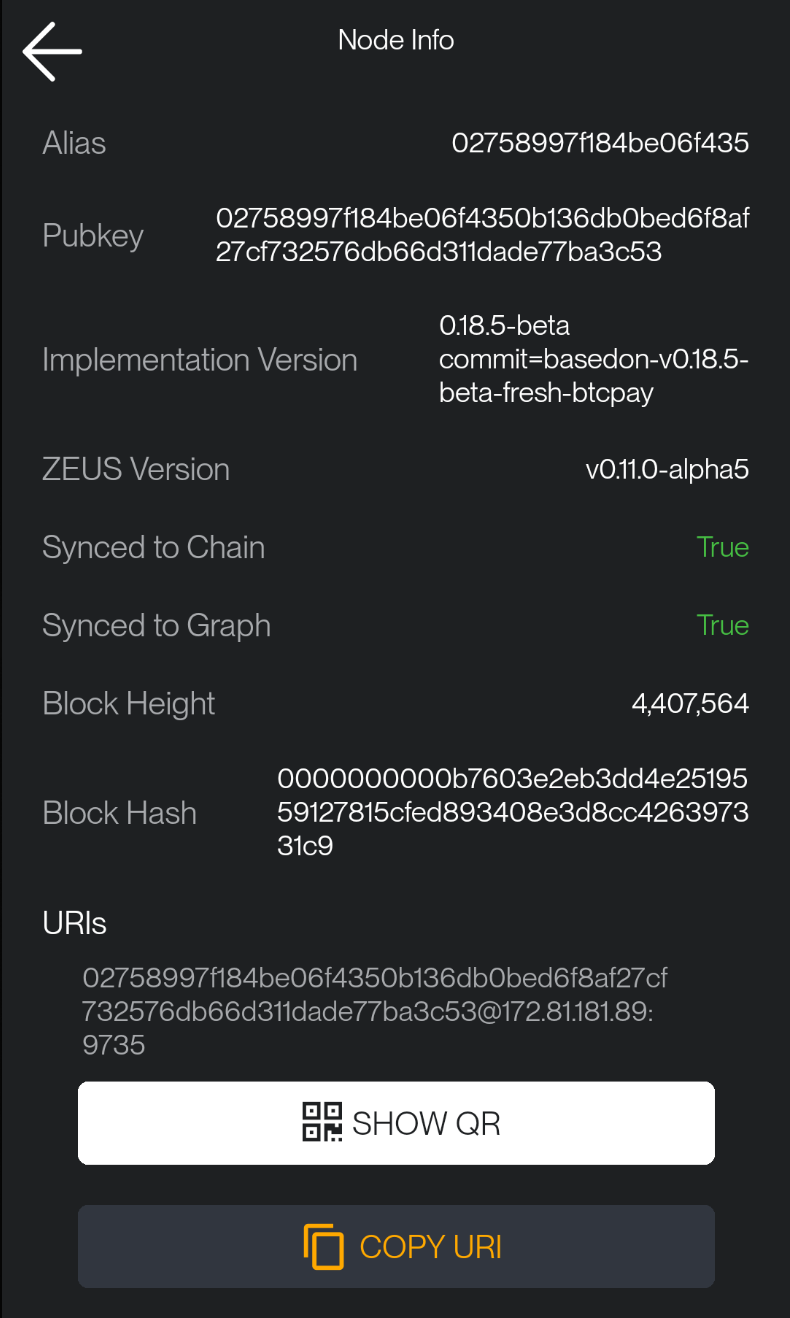
Node Info
See more details about your LN node, to which you connect ZEUS (Alias, LN version, node URI, QR URI, NFC).
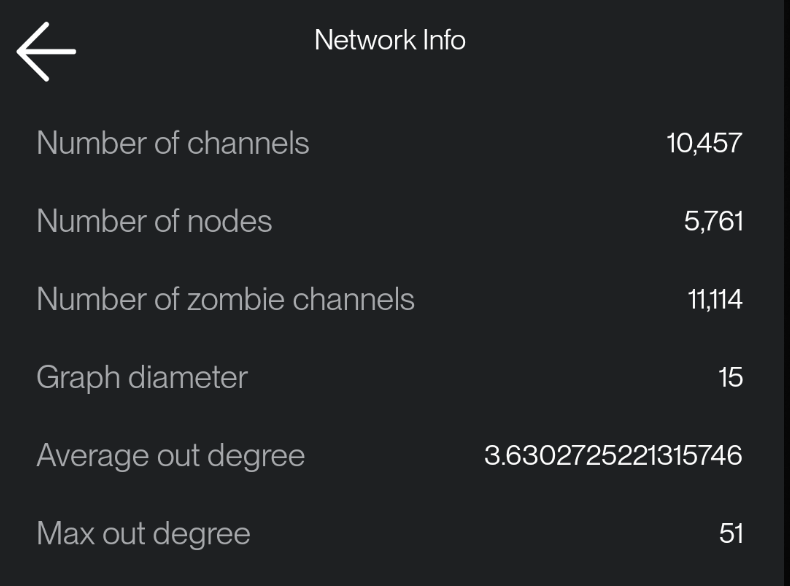
Network Info
Provides an overview of the Lightning Network, including the total number of channels, number of zombie channels, and number of nodes.
On-chain Addresses
View and manage all on-chain addresses used by your wallet. You can also generate new receiving addresses for each connected wallet here.
Routing
Shows your node's current routing policy and fee settings.
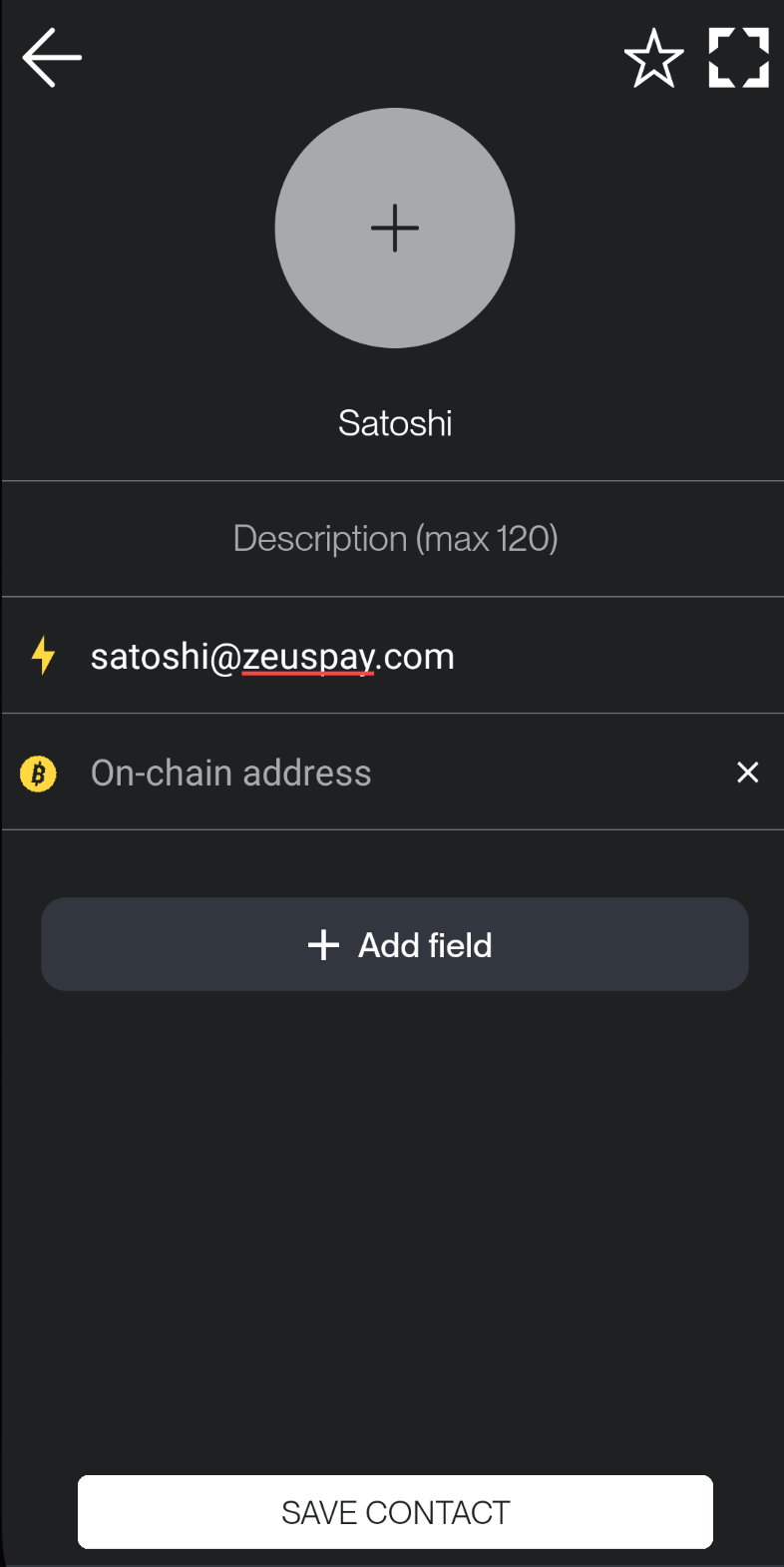
Contacts
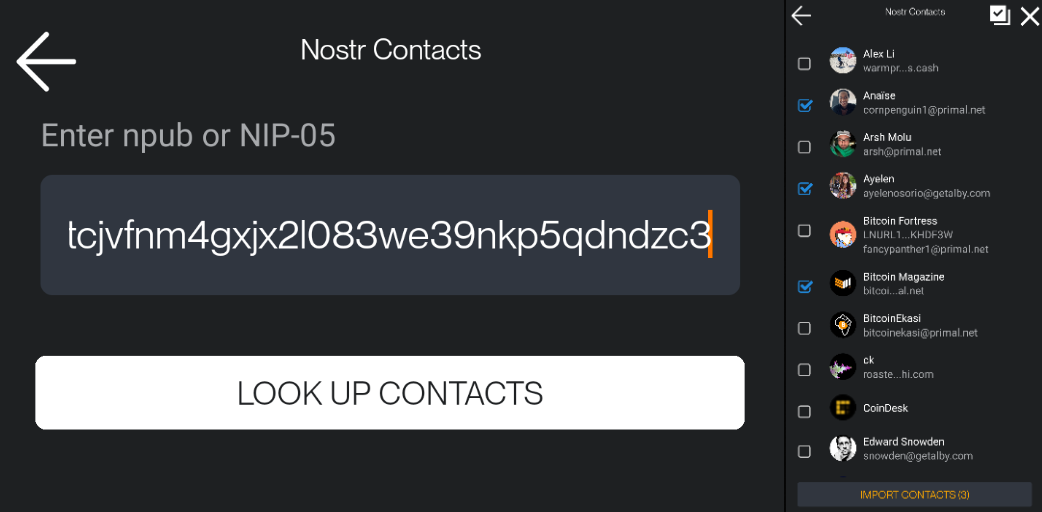
Access your contact list. You can create new entries manually or import contacts from Nostr.
Tools
This section gives you helpful tools to manage your wallet.
-
Accounts
Manage multiple wallet accounts. -
Speed Up Transaction
Boost the confirmation speed of unconfirmed on-chain transactions by rebroadcasting them with a higher fee. -
Sign / Verify Message
Cryptographically sign or verify messages using your wallet keys. -
Currency Converter
Convert between BTC/sats and over 94 fiat currencies. -
Sweep On-chain Wallet
Sweep on-chain funds to another address. -
Export Activities
Import all your wallet activity including on-chain transactions, Lightning payments, and invoices into a CSV file. -
Developer Mode
Access API call results and node responses, useful for developers.
Merch & Support
Support ZEUS by browsing the merch store or donating. Your support helps keep development going strong.
Help
Access documentation and open GitHub issues directly from the app to report bugs or request features.